Resolving OOM Error When Customising Spring Data Source
Background
When dealing with a database, Spring Boot provides automatic data source configuration and sets up connection pooling (through HikariCP) by default. However, if you want more granular control, say if you are dealing with legacy systems, connecting to multiple data sources, or have other specific needs, you can override the data source with a custom configuration. When doing this, you must be careful as a misconfiguration may introduce subtle performance issues. This blog post will explore this scenario.
Problem
For demonstration purposes, we will be using the iconic spring-petclinic as the example project.
First, let's set up the application config under application-postgres.properties to point to some custom data source (for the purposes of this demonstration, we simply point to the existing Postgres DB):
datasource.custom.url=${POSTGRES_URL:jdbc:postgresql://localhost/petclinic}
datasource.custom.username=${POSTGRES_USER:petclinic}
datasource.custom.password=${POSTGRES_PASS:petclinic}
Then, we will set up the tried and true JdbcTemplate to use our custom data source and to be able to perform some queries:
@Component
public class DataSourceConfig {
	@Value("${datasource.custom.username}")
	String username;

	@Value("${datasource.custom.password}")
	String password;

	@Value("${datasource.custom.url}")
	String url;

	public JdbcTemplate getJdbcTemplate() {
		return new JdbcTemplate(DataSourceBuilder.create()
			.username(username)
			.password(password)
			.url(url)
			.build());
	}
}
Finally, we will define a new endpoint in the VetController and use this configured JdbcTemplate to execute a simple query:
private final DataSourceConfig dataSourceConfig;

@GetMapping({"/count"})
public @ResponseBody int countVets() {
    int count = dataSourceConfig.getJdbcTemplate().queryForObject(
        "SELECT COUNT(*) FROM VETS", Integer.class);

    return count;
}
Let's add an integration test case against this endpoint:
@Test
void testCounter() {
    RestTemplate template = builder.rootUri("http://localhost:" + port).build();
    ResponseEntity<String> result = template.exchange(RequestEntity.get("/count").build(), String.class);
    assertThat(result.getStatusCode()).isEqualTo(HttpStatus.OK);
    assertThat(result.getBody()).isEqualTo("6");
}
It passes!
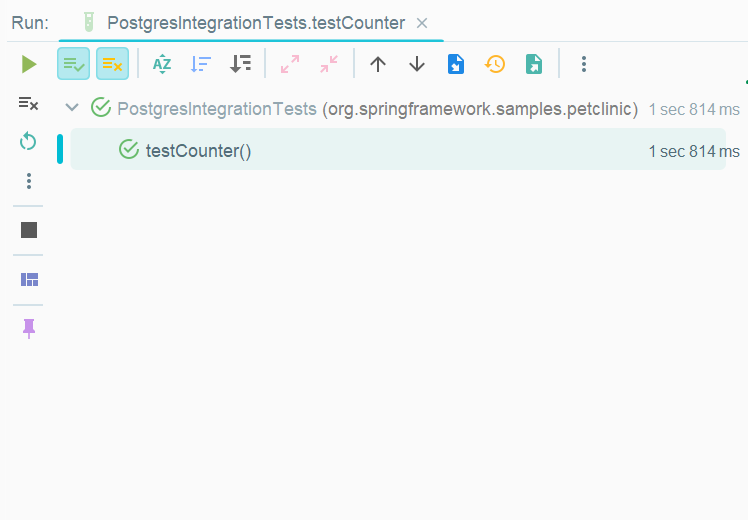
So far so good right?
Let's add another test case to simulate a more realistic scenario, triggering multiple requests in quick succession:
@Test
void testCounterLoop() {
    for (int i = 0; i < 100; i++) {
        RestTemplate template = builder.rootUri("http://localhost:" + port).build();
        ResponseEntity<String> result = template.exchange(RequestEntity.get("/count").build(), String.class);
        assertThat(result.getStatusCode()).isEqualTo(HttpStatus.OK);
        assertThat(result.getBody()).isEqualTo("6");
    }
}
If we run this test, it does not succeed, and we can see the infamous java.lang.OutOfMemoryError: Java heap space in the logs.
Let's first generate a heap dump with -XX:+HeapDumpOnOutOfMemoryError to troubleshoot this error. After rerunning the test and generating the heap dump, we can run the Eclipse Memory Analyzer Tool to analyse this dump:
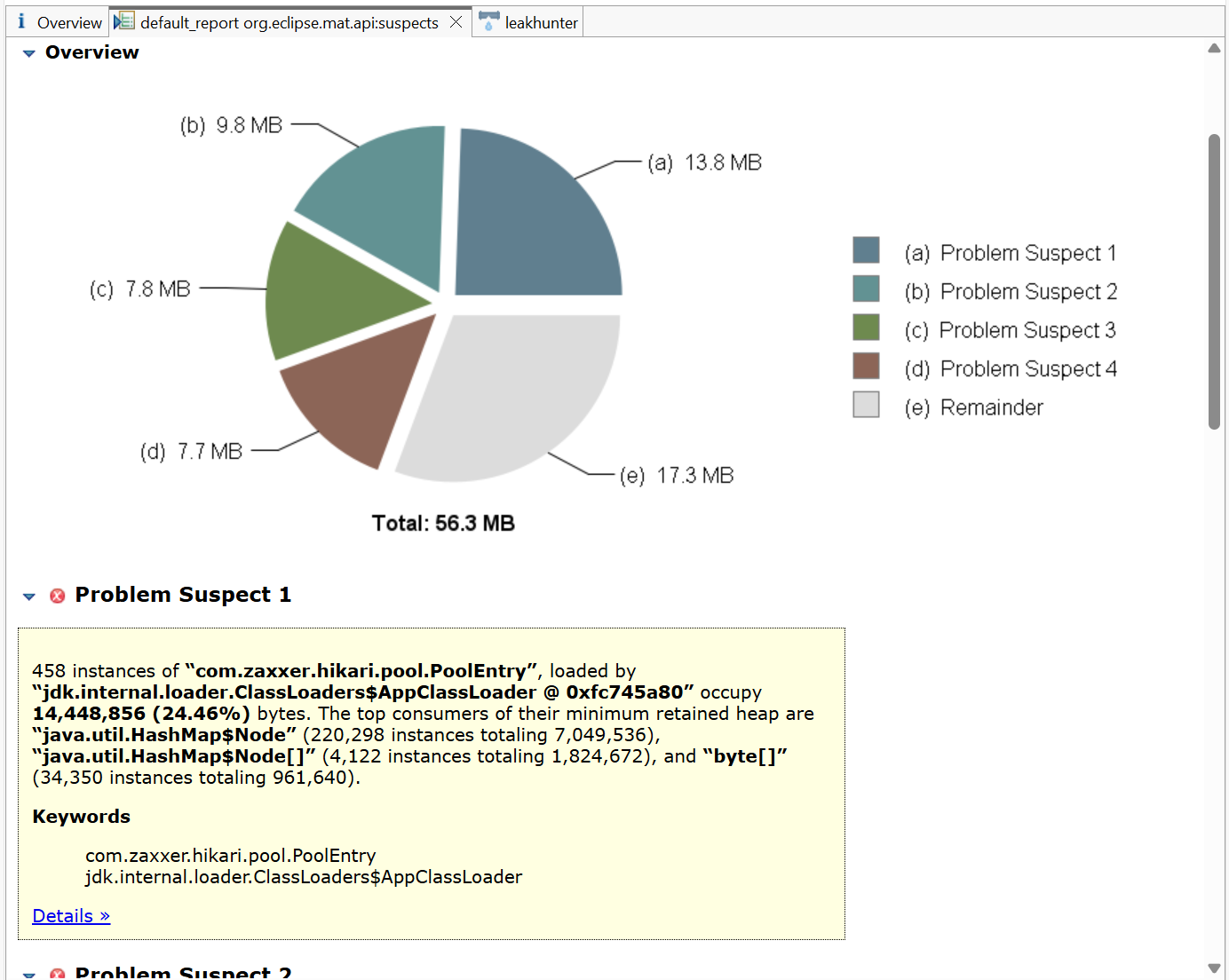
As we can see, the main problem suspect is 458 instances of com.zaxxer.hikari.pool.PoolEntry. According to HikariCP docs, this PoolEntry class is the "Entry used in the ConcurrentBag to track Connection instances.". We need to understand why our simple application is creating so many PoolEntry's!
To investigate further, let's enable DEBUG level logging for HikariCP. In our application-postgres.properties, we add the line logging.level.com.zaxxer.hikari=DEBUG.
After doing this and rerunning the test case, we see the following:
DEBUG 89910 --- [o-auto-1-exec-1] com.zaxxer.hikari.HikariConfig           : HikariPool-1 - configuration:
...

DEBUG 89910 --- [o-auto-1-exec-2] com.zaxxer.hikari.HikariConfig           : HikariPool-2 - configuration:

...
DEBUG 89910 --- [o-auto-1-exec-3] com.zaxxer.hikari.HikariConfig           : HikariPool-4 - configuration:

...
DEBUG 89910 --- [o-auto-1-exec-7] com.zaxxer.hikari.HikariConfig           : HikariPool-22 - configuration:
What's happening here? The application is creating a completely new data source and thus a totally new HikariCP connection pool on each request, as indicated by the number suffix of the HikariPool, i.e. HikariPool-1 is a newly created connection pool, HikariPool-2 is a second pool, and so on. This explains why we see 458 instances of PoolEntry, as the default HikariCP connection pool size is 10, meaning that there are dozens of separate connection pools being created before the JVM heap memory space runs out, and we get the java.lang.OutOfMemoryError: Java heap space error.
Solution
Now that we know where the issue lies, how can we solve this? First, let's change our data source config to the idiomatic way suggested by Spring Boot:
@Configuration(proxyBeanMethods = false)
public class DataSourceConfig {

	@Bean
	@ConfigurationProperties("datasource.custom")
	public DataSourceProperties dataSourceProperties() {
		return new DataSourceProperties();
	}

	@Bean
	@ConfigurationProperties("datasource.custom.configuration")
	public HikariDataSource dataSource(final DataSourceProperties dataSourceProperties) {
		return dataSourceProperties.initializeDataSourceBuilder()
			.type(HikariDataSource.class)
			.build();
	}
}
Then, in our VetController, we inject JdbcTemplate directly and use it to perform the query:
private final JdbcTemplate jdbcTemplate;

@GetMapping({"/count"})
public @ResponseBody int countVets() {
    int count = jdbcTemplate.queryForObject("SELECT COUNT(*) FROM VETS", Integer.class);

    return count;
}
The critical change is moving from a Spring @Component, which was creating a new, non-Spring managed JdbcTemplate with its own data source (and thus an entirely new HikariCP Connection Pool) on every single request. By switching to annotating with @Configuration for only the custom data source and injecting the JdbcTemplate bean directly, we let Spring automatically inject the correctly configured JdbcTemplate. Therefore, we ensure that only a single HikariCP connection pool is set up and reused, whilst still utilising a custom data source.
Now, when rerunning our integration test case, it passes, hooray!
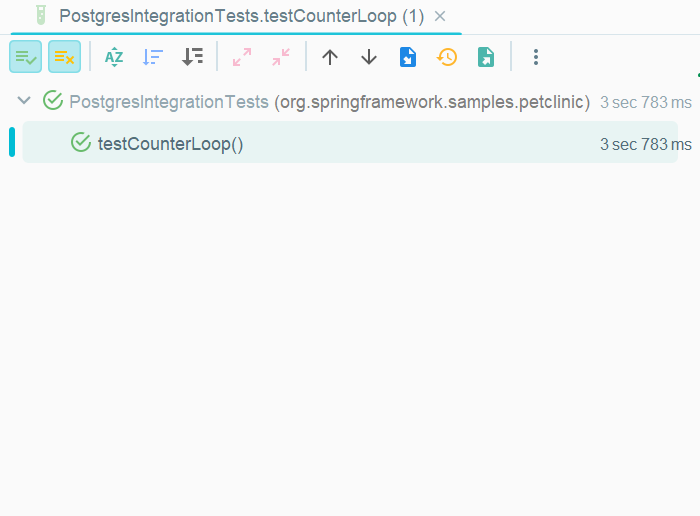
And we only see a single HikariCP connection pool being created in the logs:
DEBUG 35480 --- [ main] com.zaxxer.hikari.HikariConfig : HikariPool-1 - configuration:Conclusion
As we have seen, Spring Boot is powerful and auto-configures many useful things out of the box, but we always have to be aware of what's going on and need to know what is happening underneath the abstractions and 'magic'. Otherwise, we can face serious problems in our applications.
Thanks for reading!